Notes & Study Tools
Think. Write. Draw.
Markdown notebooks, spaced-repetition flashcards, and an infinite canvas, right alongside your books.
Notebooks
Notes that keep up.
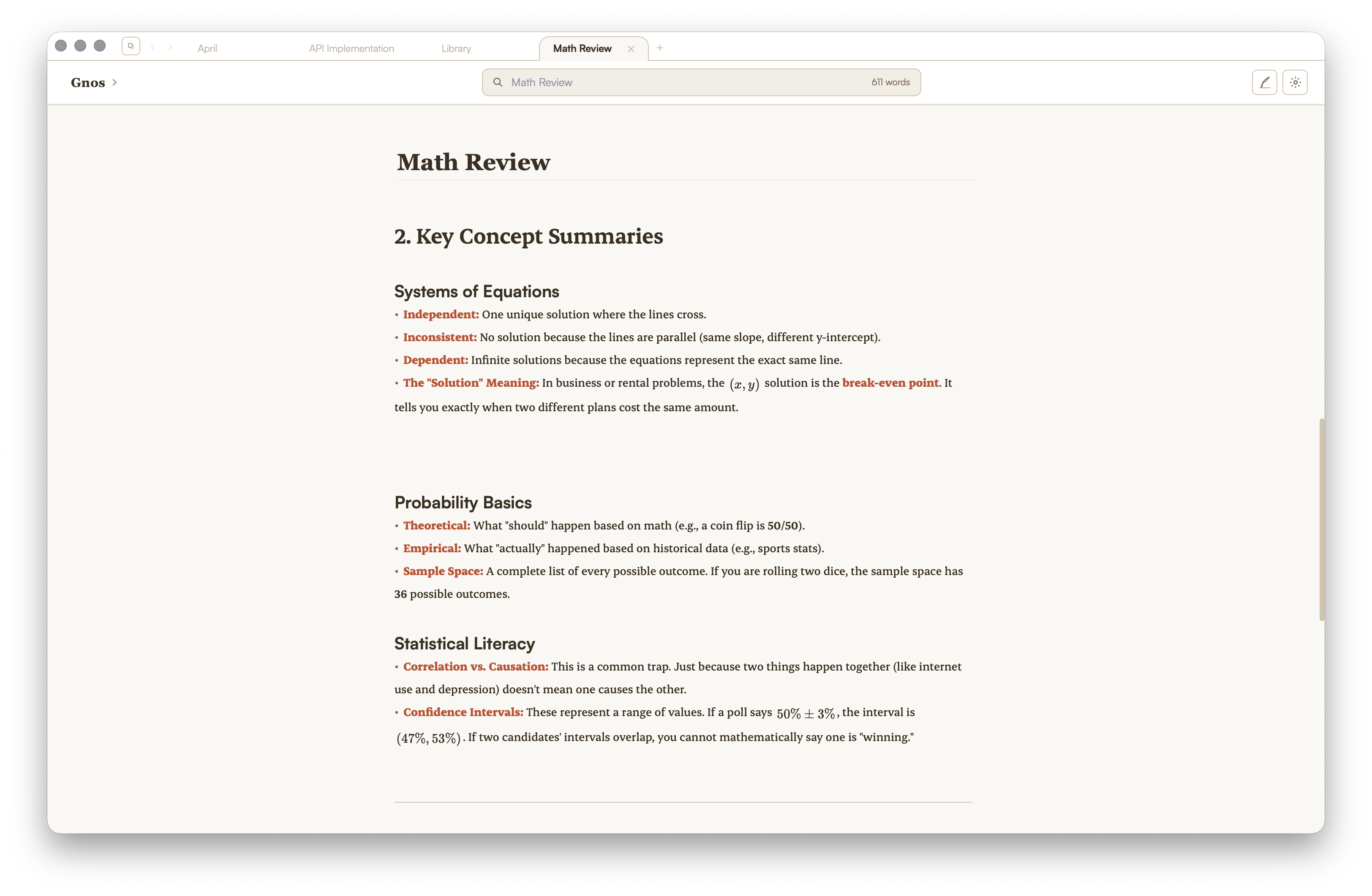
Write in Markdown, render live. LaTeX equations, code blocks, and headers all format as you type, attached to any book.
- Full Markdown with live preview
- LaTeX math rendered with KaTeX
- Code blocks with syntax highlighting
- Source and read-only views
Flashcards
Study anything.
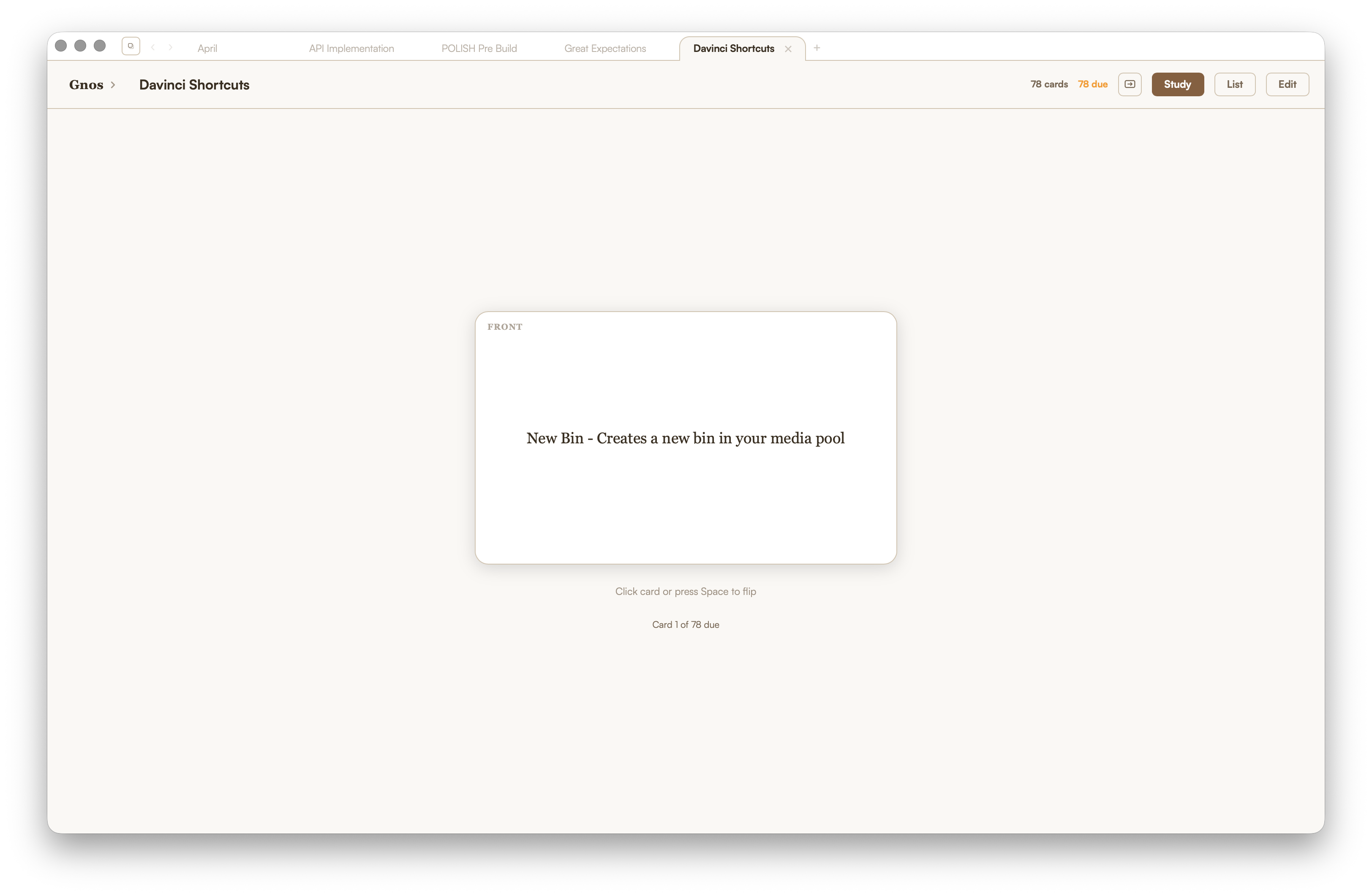
Build spaced-repetition decks from your notes, or import the ones you already use. Study smarter, not harder.
- Spaced-repetition scheduling
- Create from any notebook
- Import existing decks
- Track progress over time
Sketchbook
Room to think.
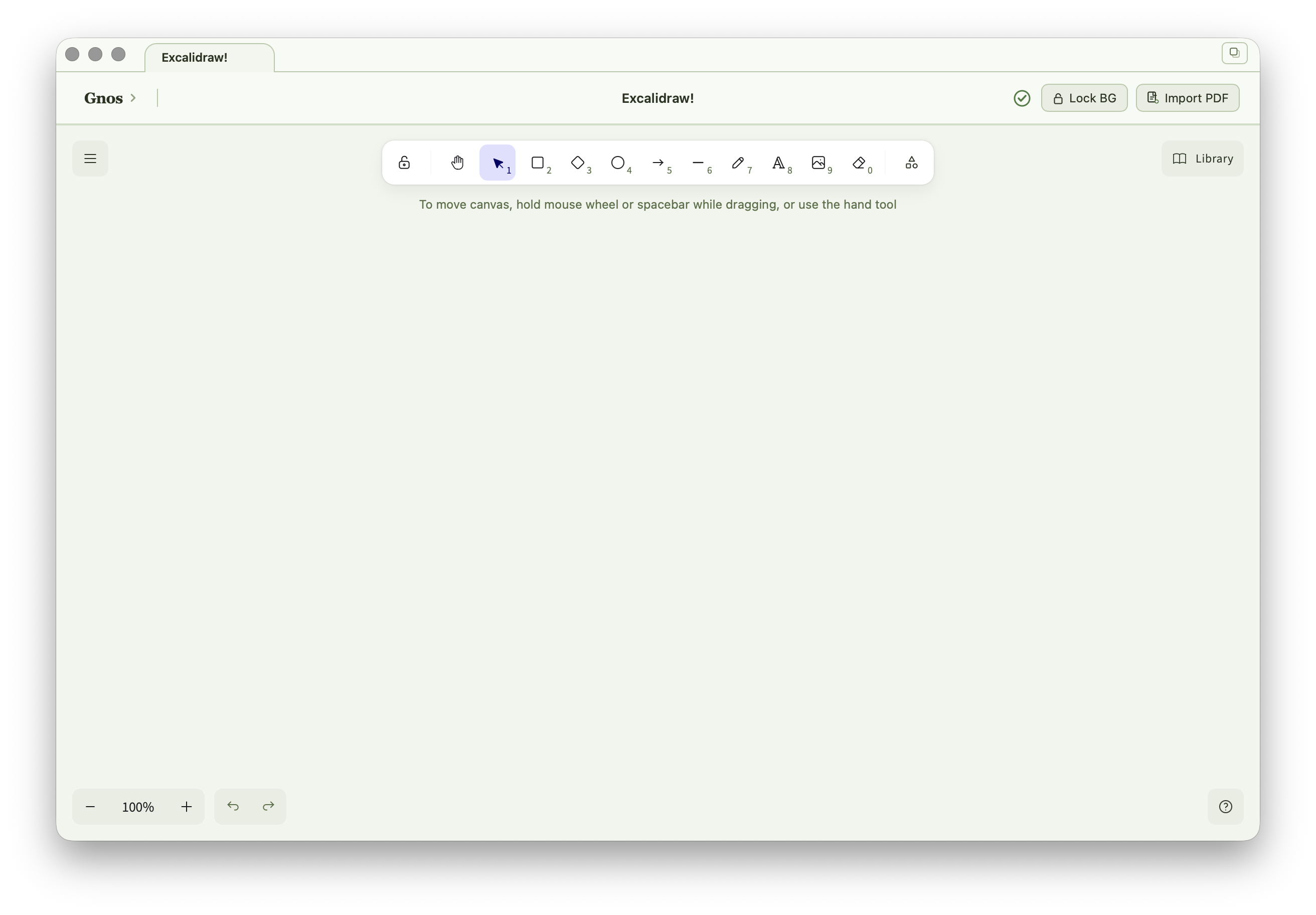
Sketch diagrams, annotate PDFs, and map ideas on an Excalidraw whiteboard, without leaving the app.
- Infinite canvas powered by Excalidraw
- Shapes, arrows, and freehand drawing
- Import PDF pages as a background
- Saved alongside your library
Works everywhere
Stays next to your reading.
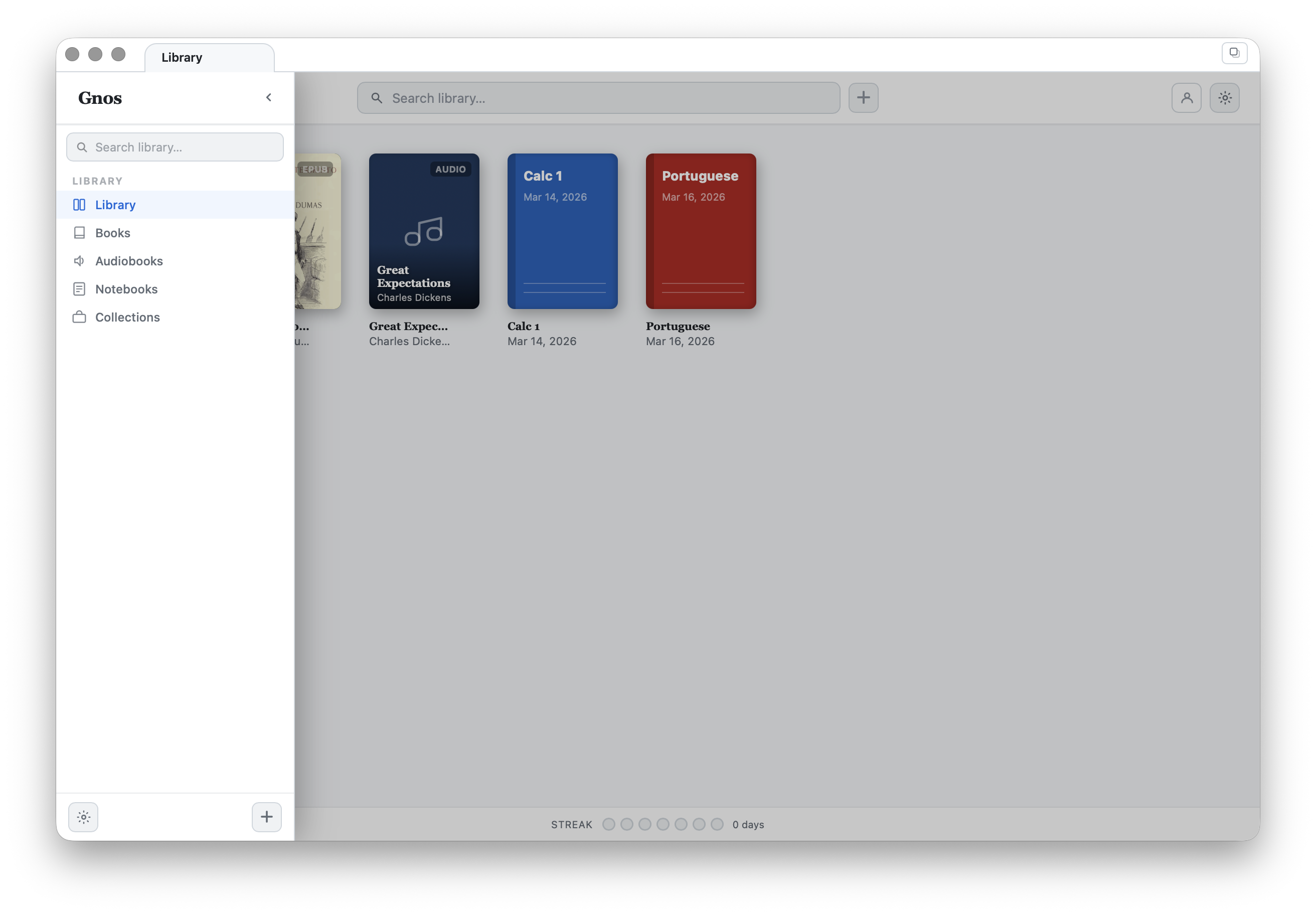
Notebooks, flashcards, and sketches live in the same window as your books. No app switching, no losing your place.
- Split-pane layout, books and notes side by side
- Multiple tabs open at once
- Everything saved locally and instantly
- Works completely offline